Musical Themes
After you download the .zip file, right-click it and select “Extract all.” You can then choose the folder where you want to save the music clips.
Or, download the files from this Google Drive folder.
Overall Theme
Zenitha Theme
Character Themes
Durrin Unredeemed
Durrin Redeemed
Adara’s Theme
Cymer’s Theme
Archivous’s Theme
Volthorn’s Theme
Salidar’s Theme
Halorn’s Theme
Twigly and the Pirates
Other Themes
Calamar
Battle Music
The Void
Attack Music
First Kymar Routine
Second Kymar Routine
Third Kymar Routine
Fourth Kymar Routine
Fifth Kymar Routine
The Bastion
Author Commentary
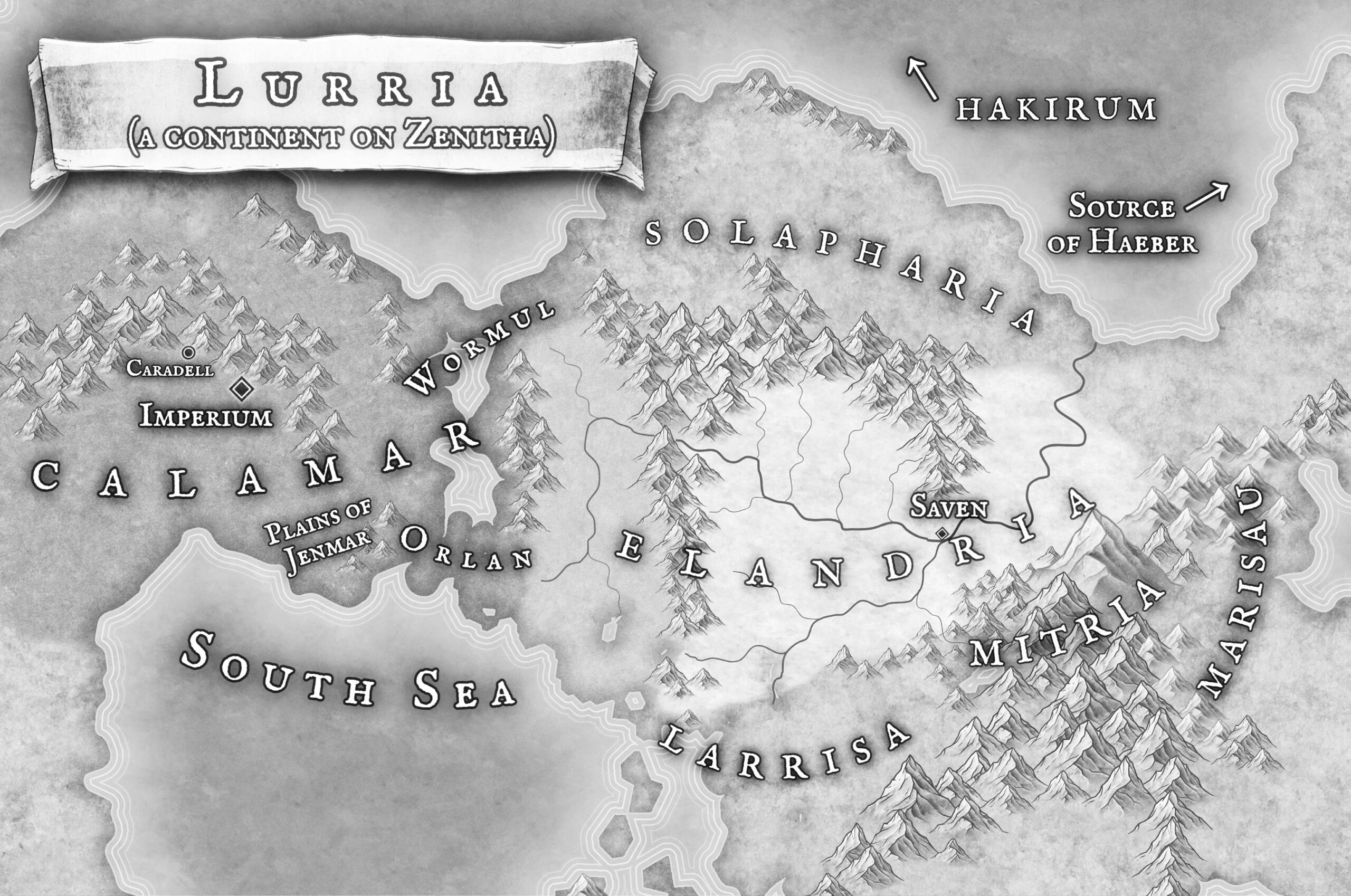
World Map
To download, right-click on each image and select “Save image as.”
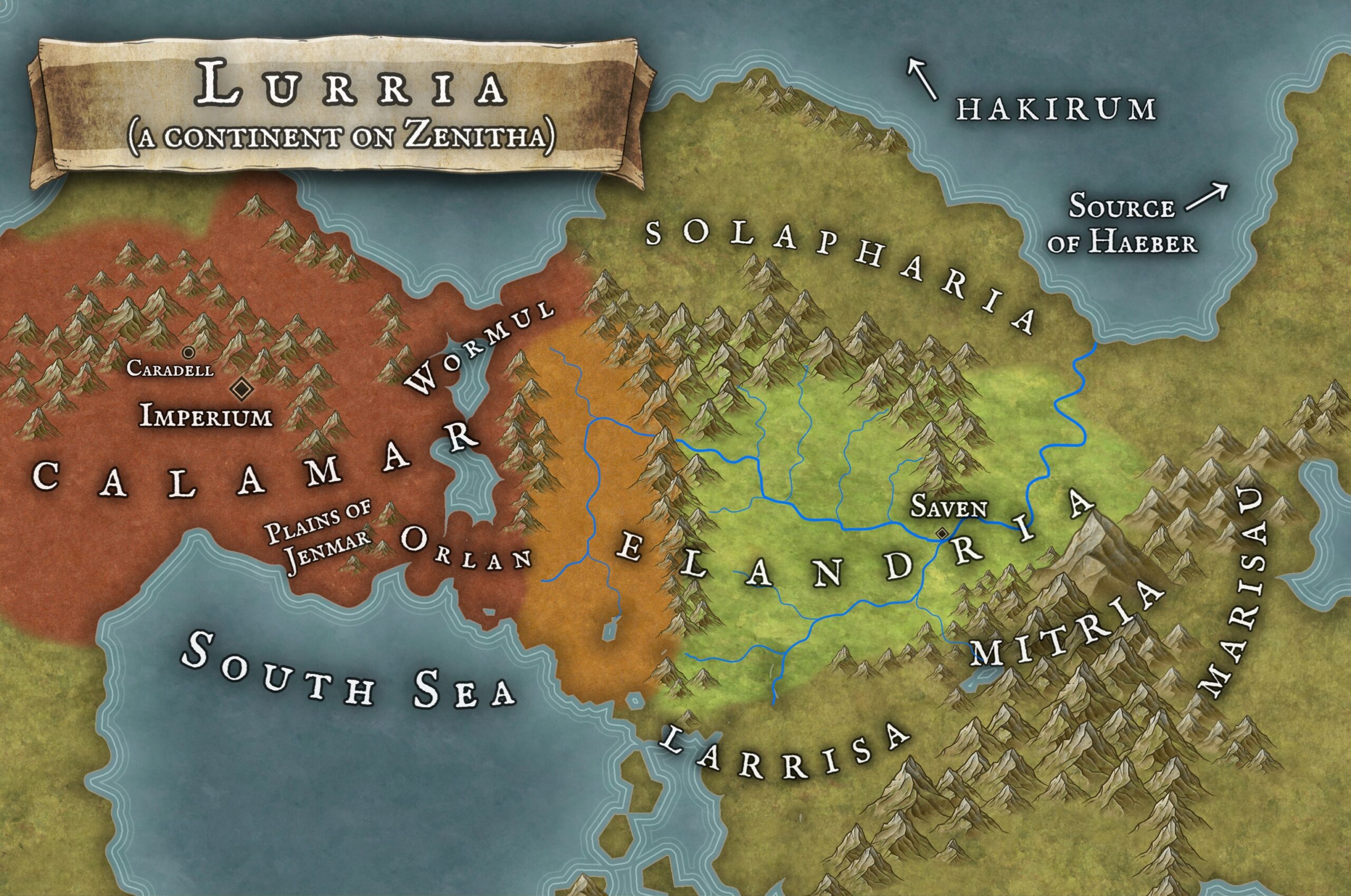
Black and white version (for coloring). Or print this PDF.
Desktop Images
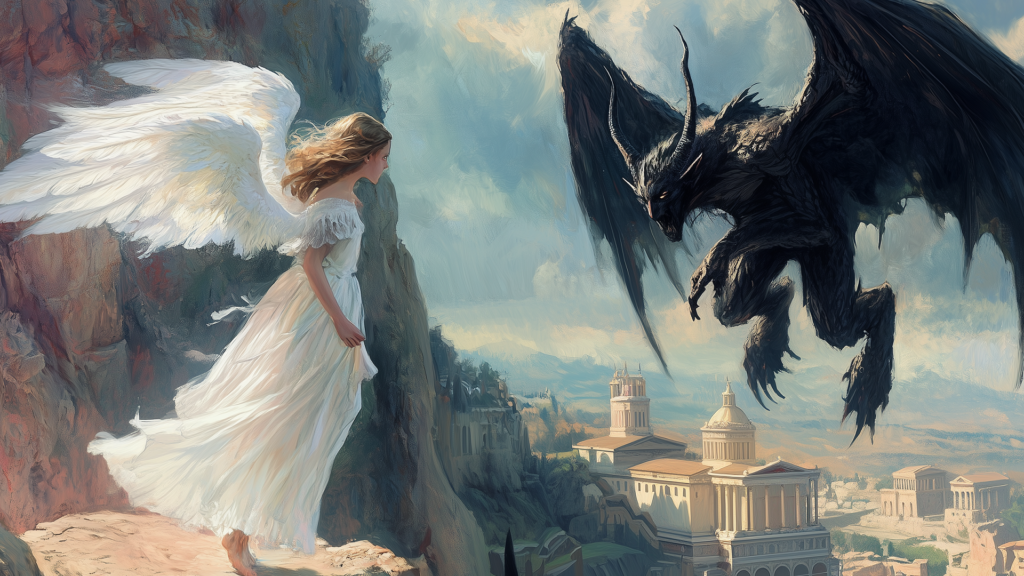
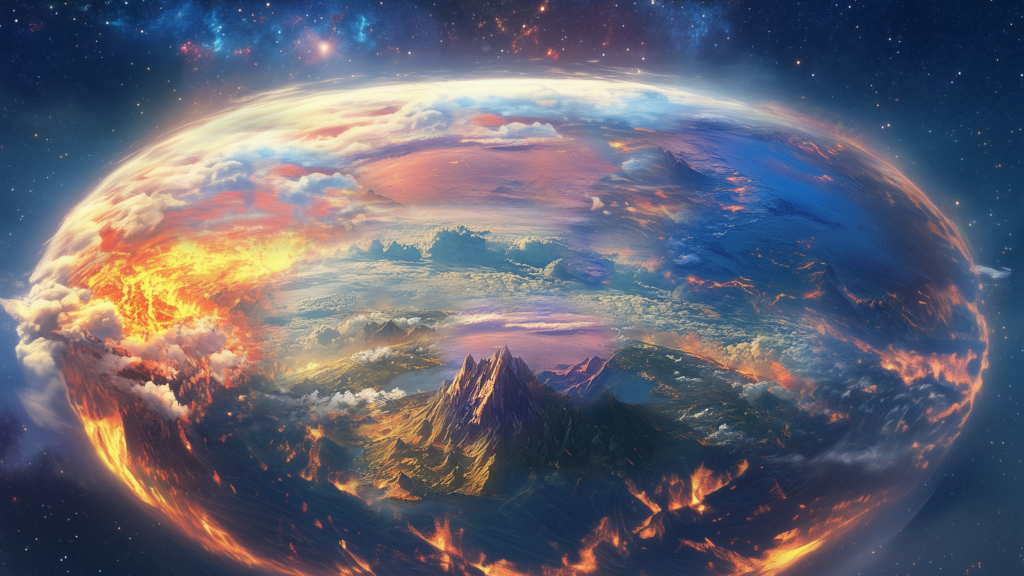
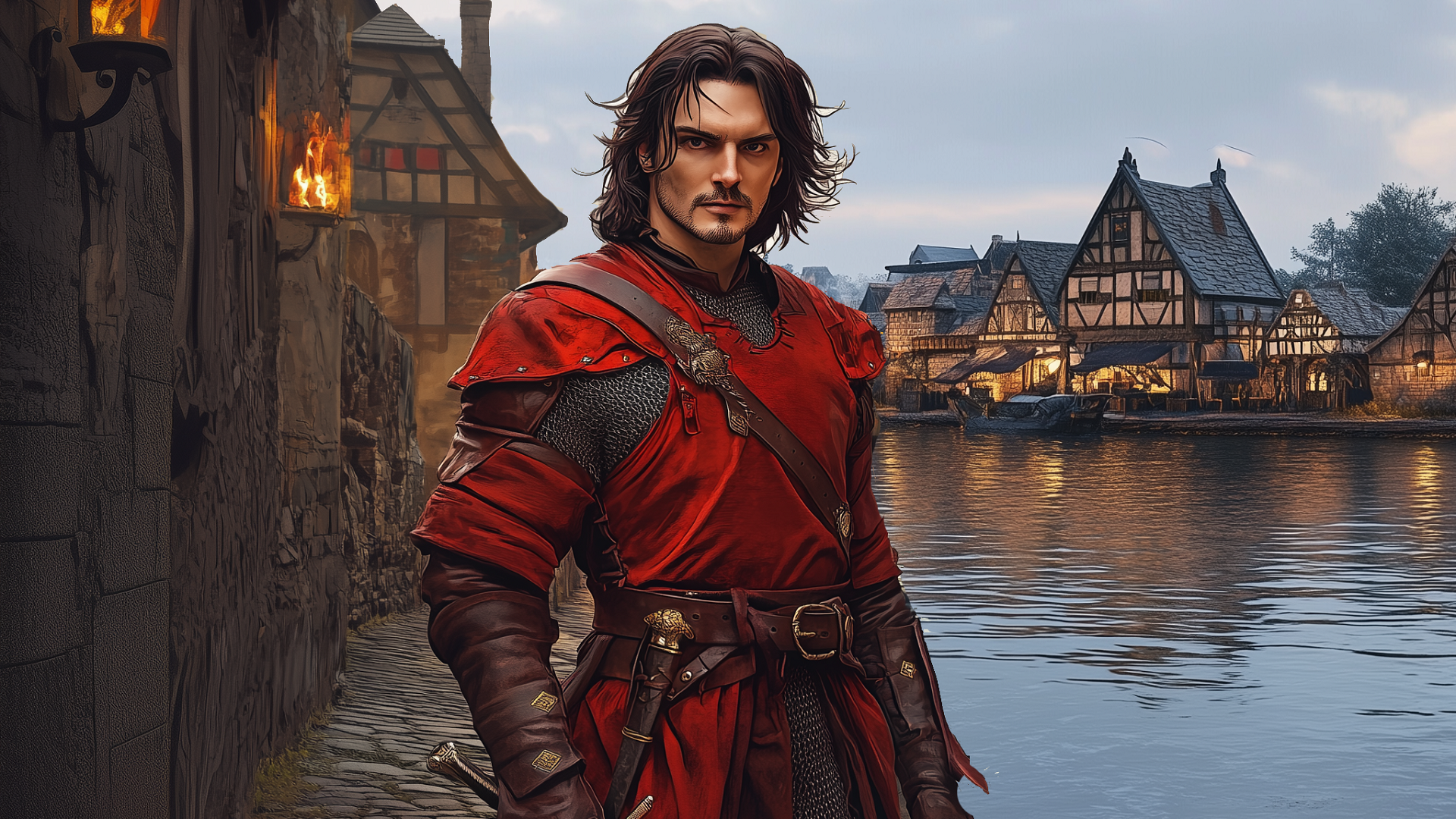
After you download the .zip file, right-click it and select “Extract all.” You can then choose the folder where you want to save the photos.
To set the photos as the background of your computer, open your settings and search for “Background,” “Personalize,” or “Desktop” settings. There should be an option to change your background to “Slideshow,” and then to select a folder on your computer to feed into that slideshow. (See these instructions for Windows and these instructions for a Mac.)
Some of these photos also make great virtual Zoom backgrounds!
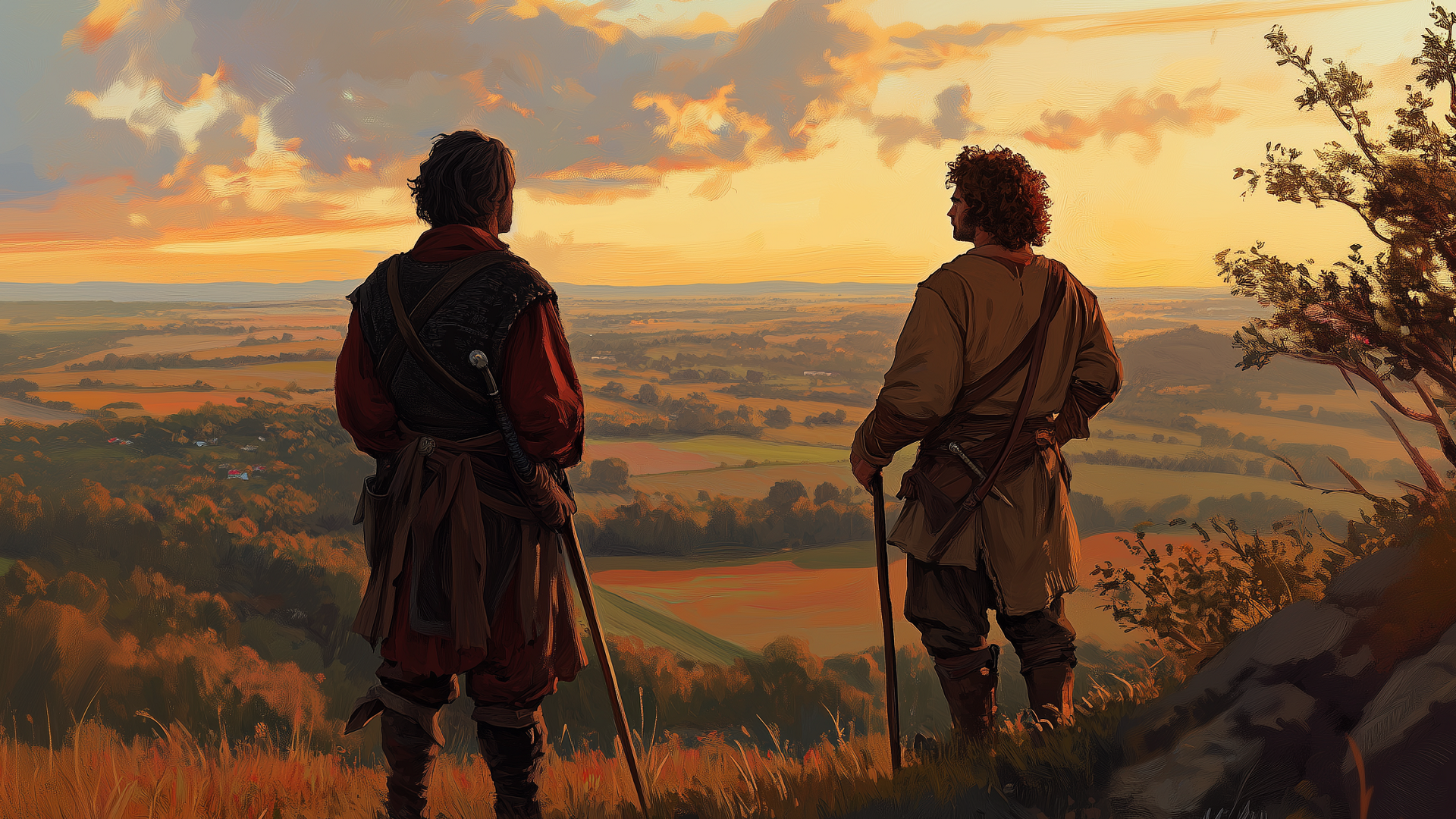
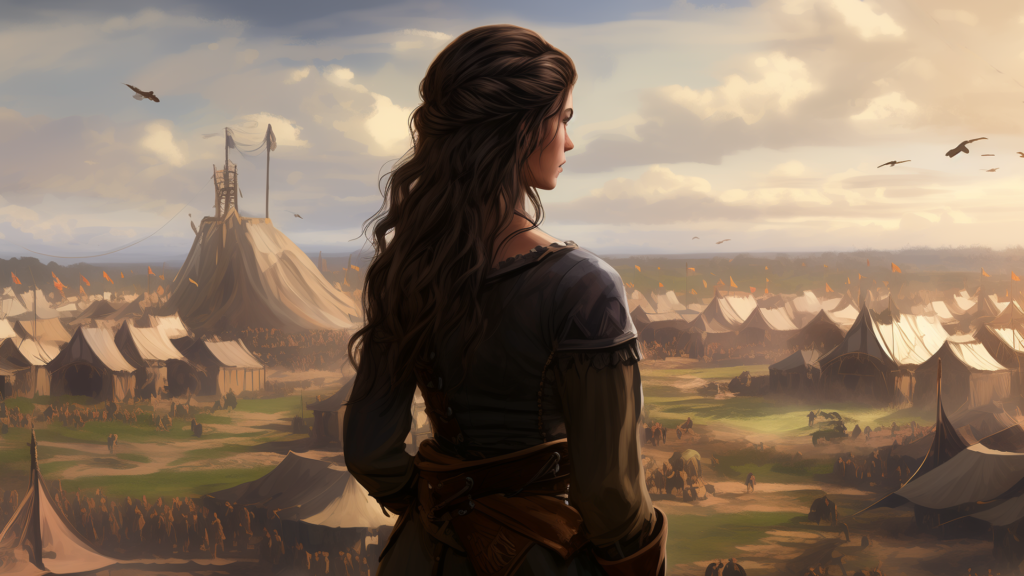
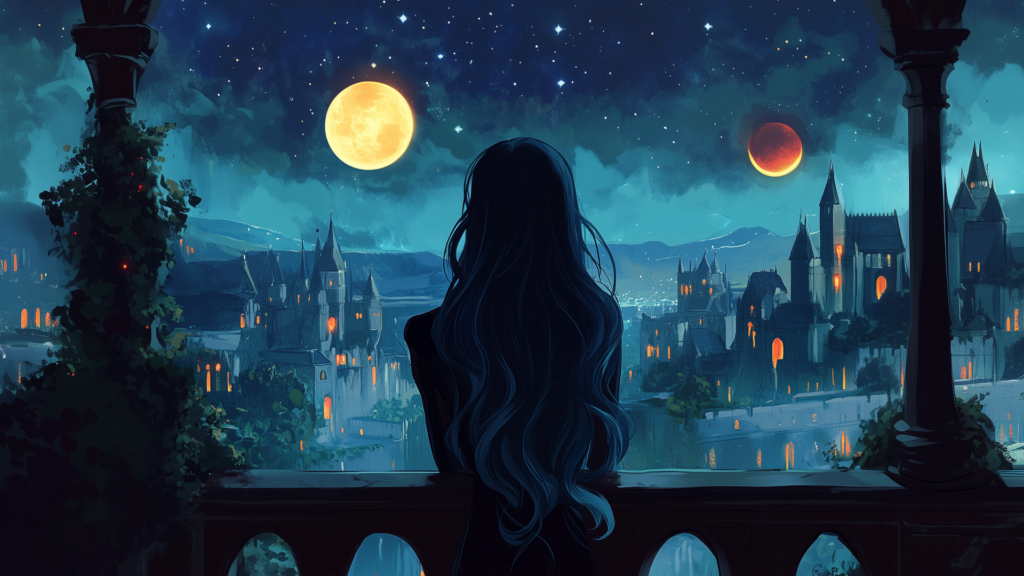
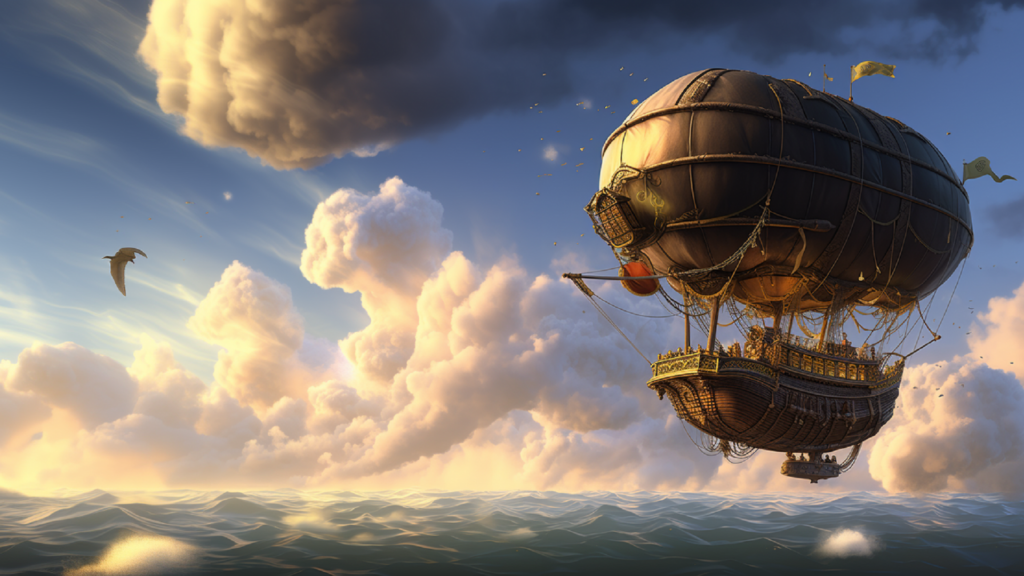
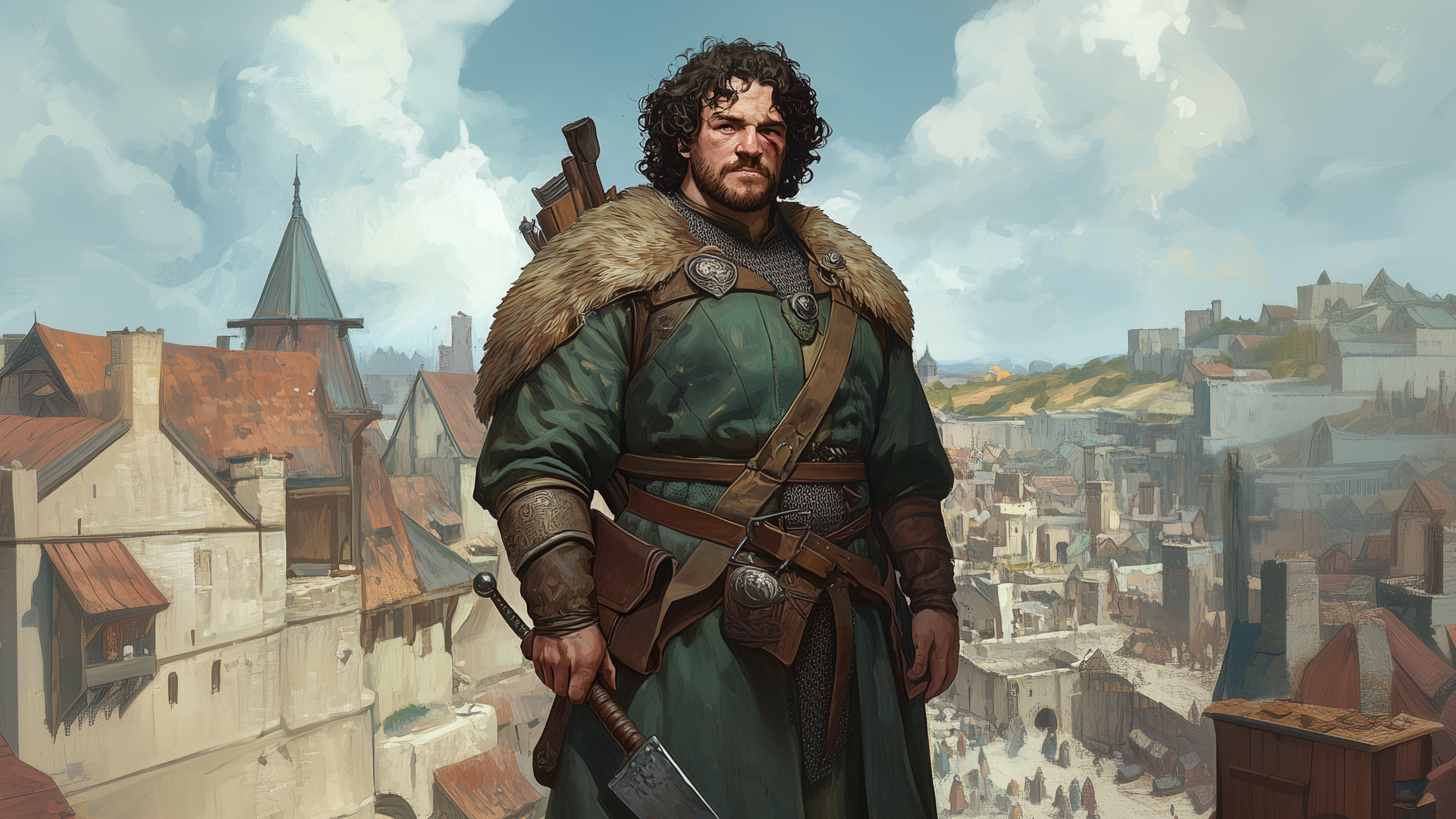
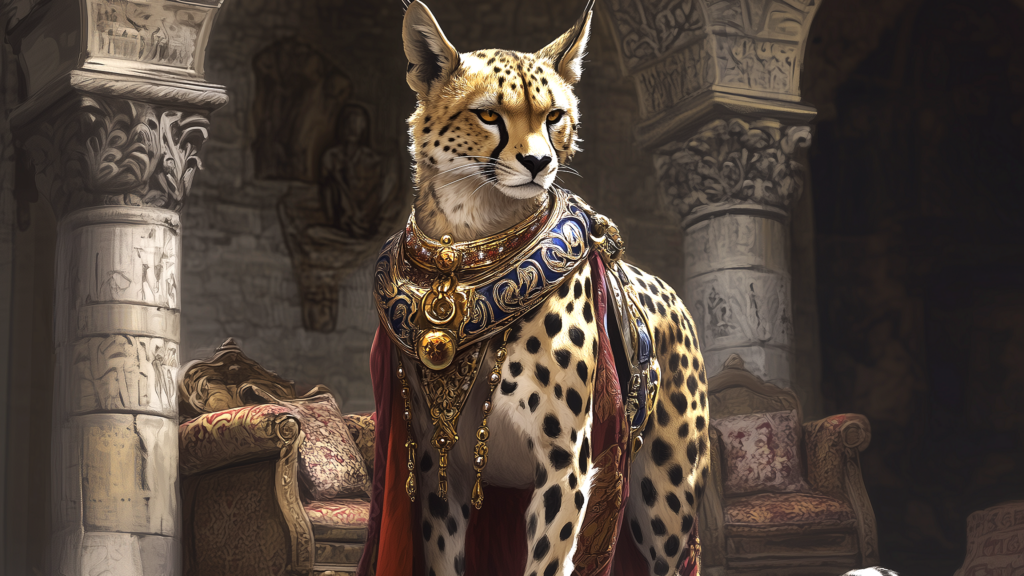
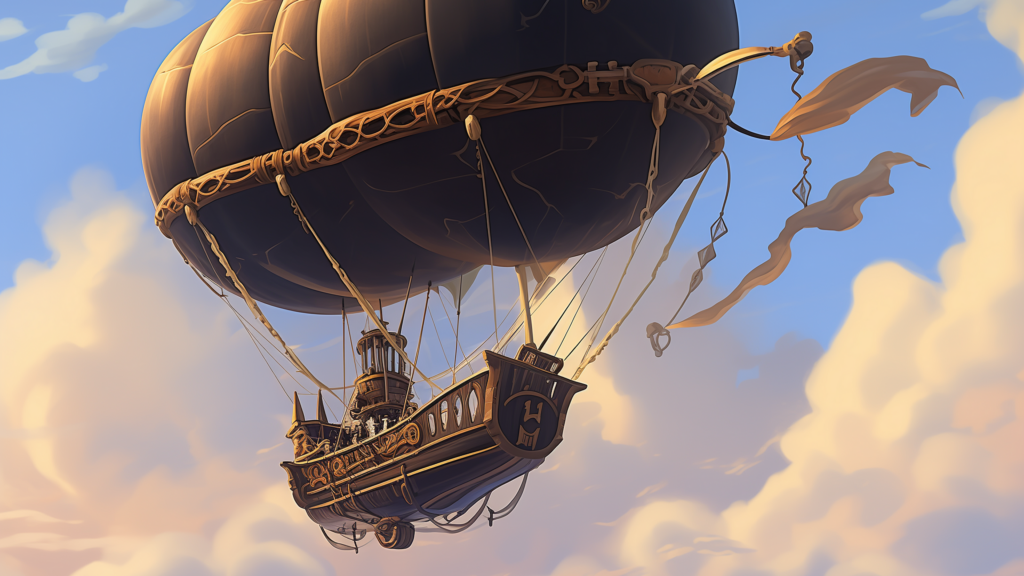
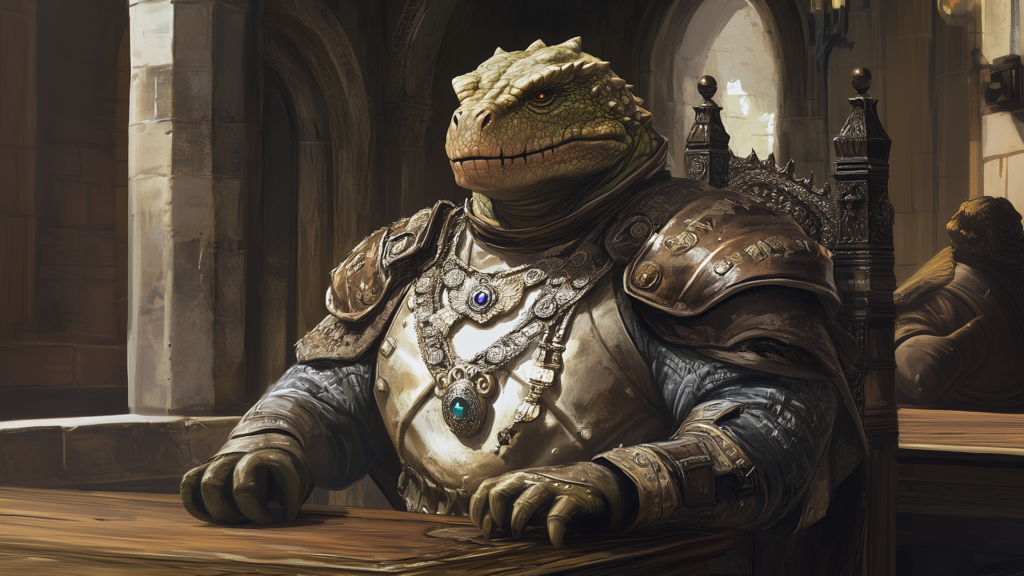
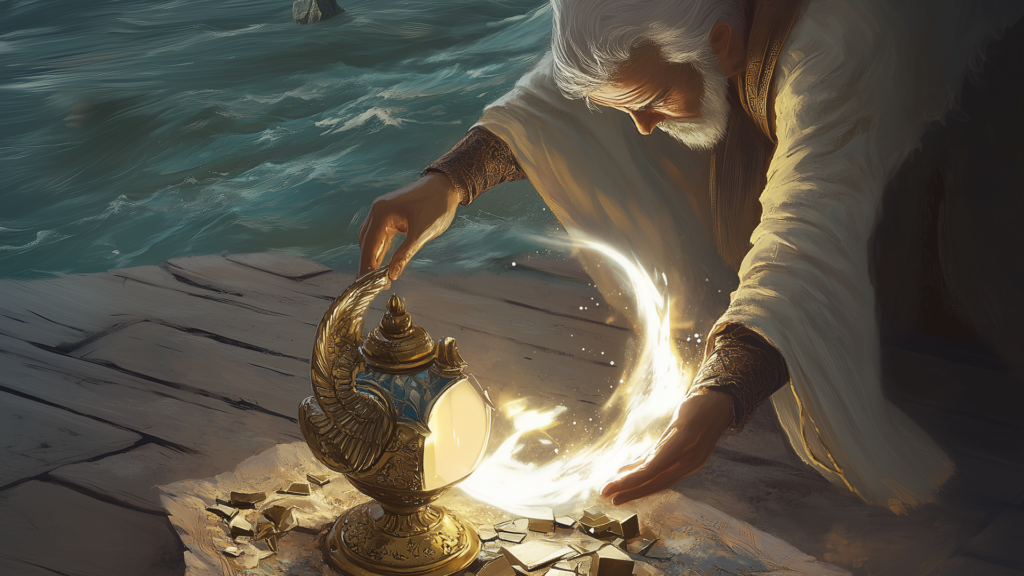
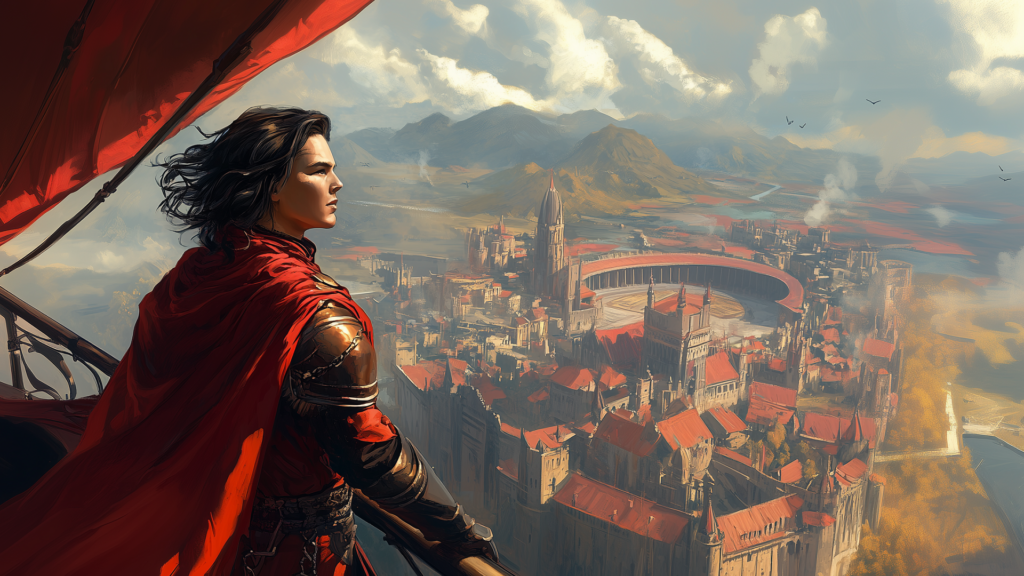
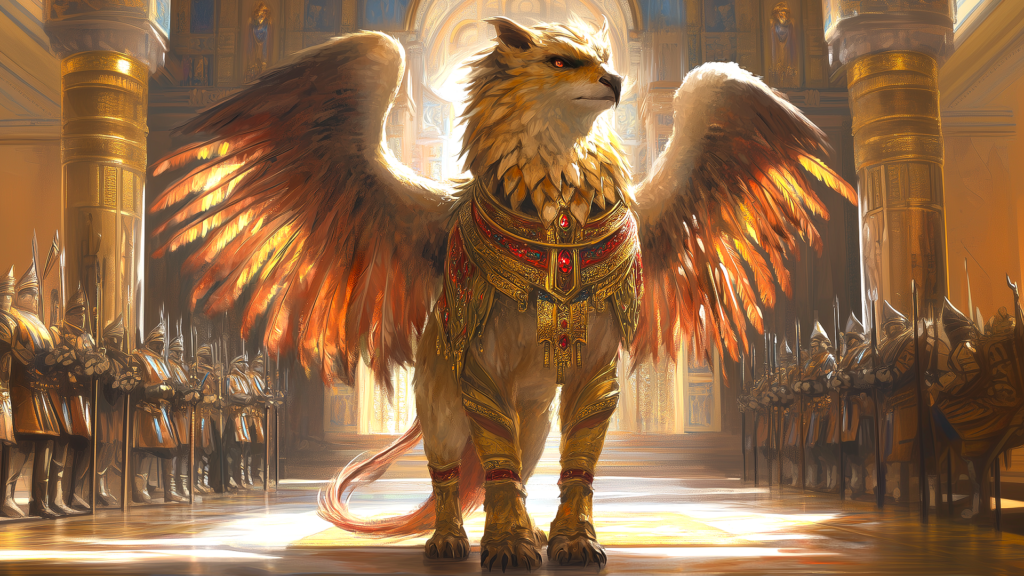
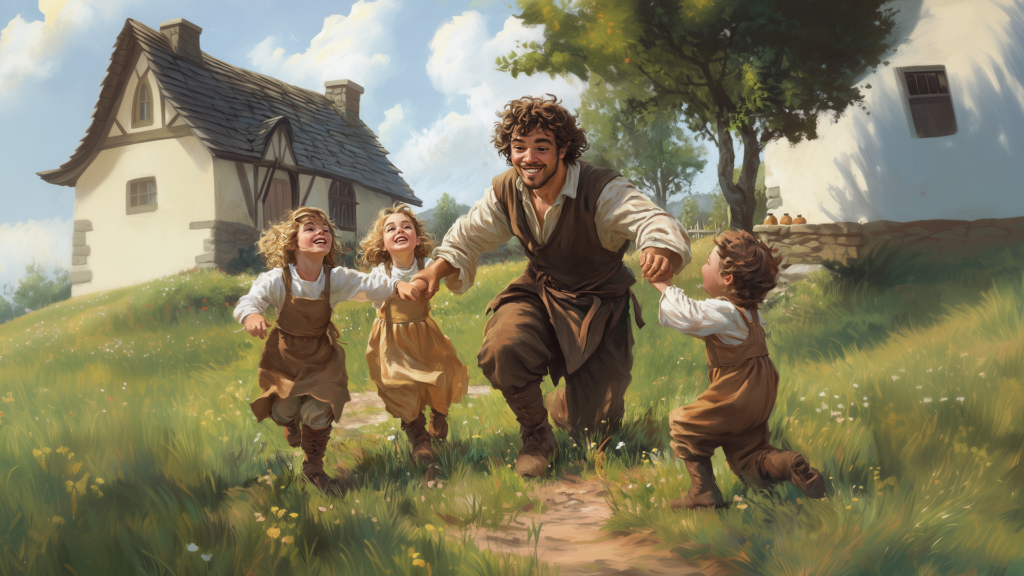
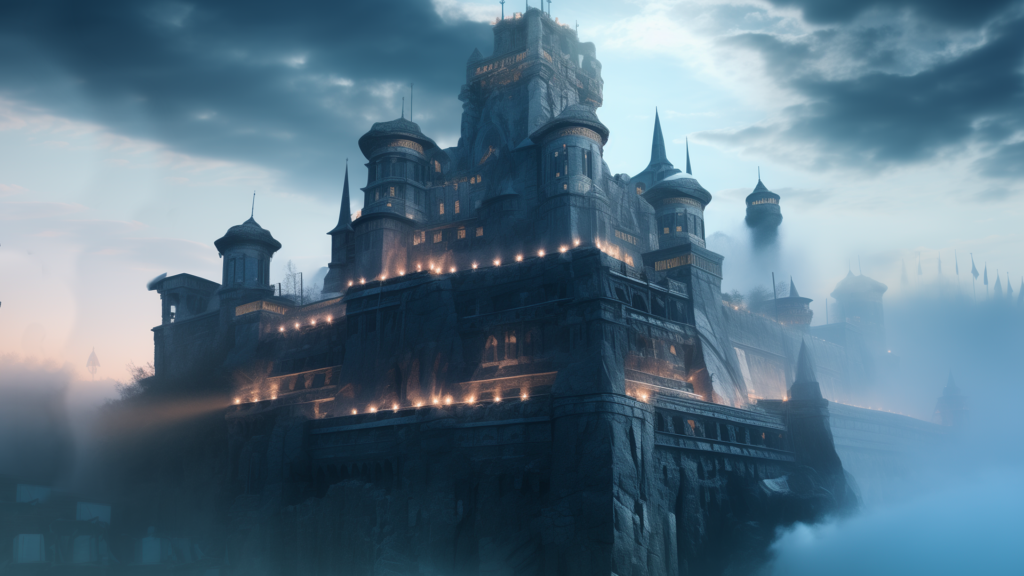
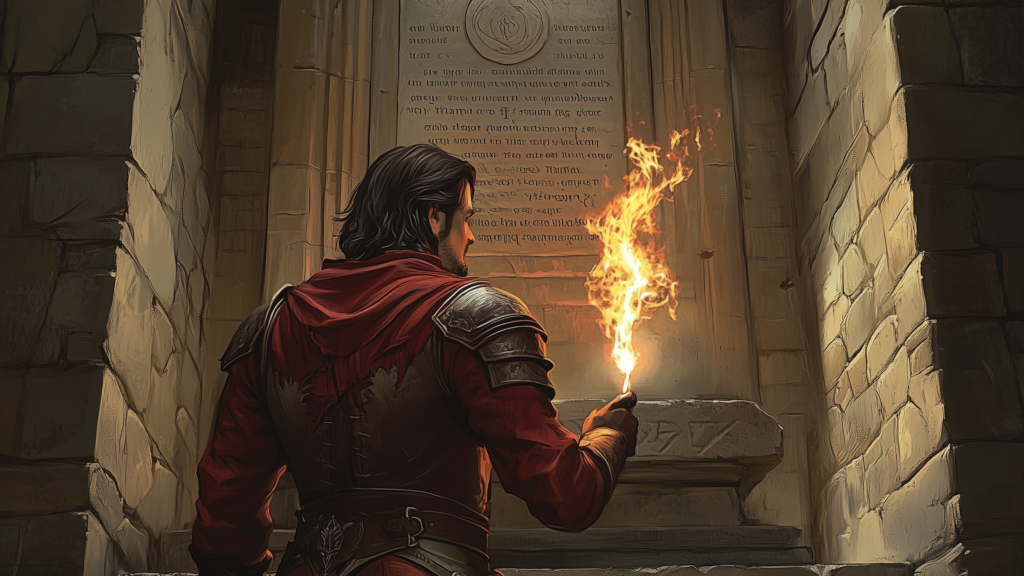
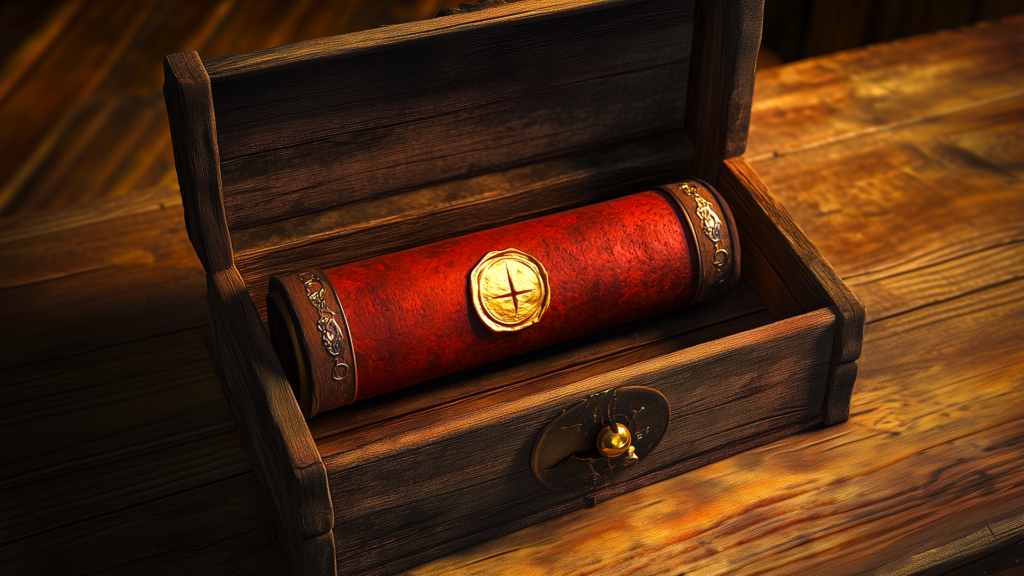
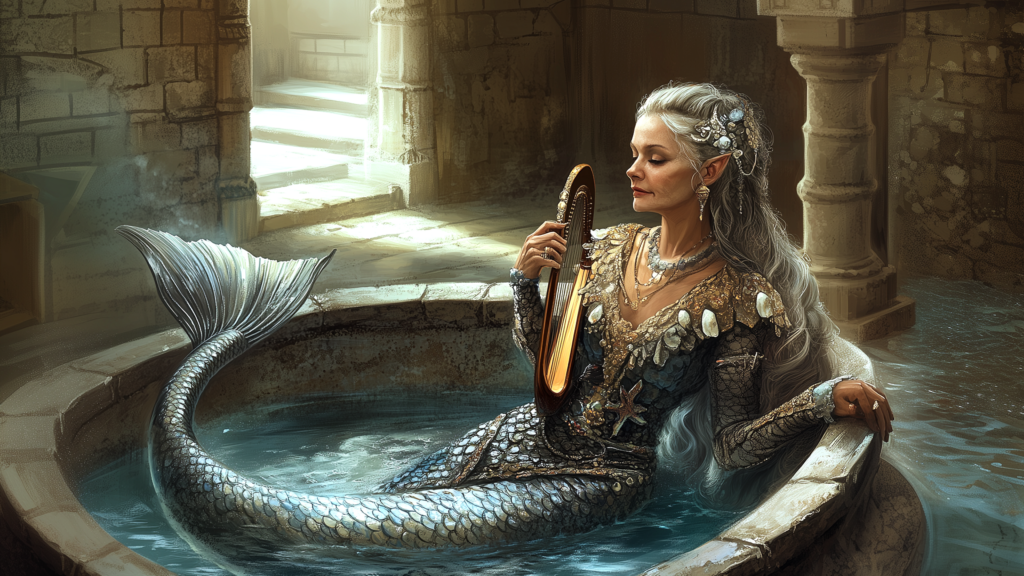
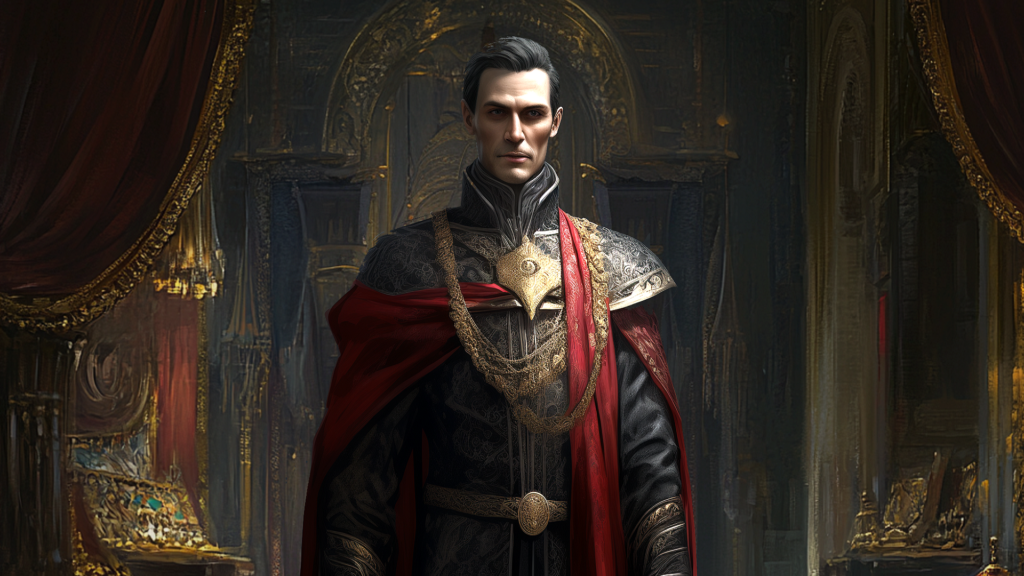
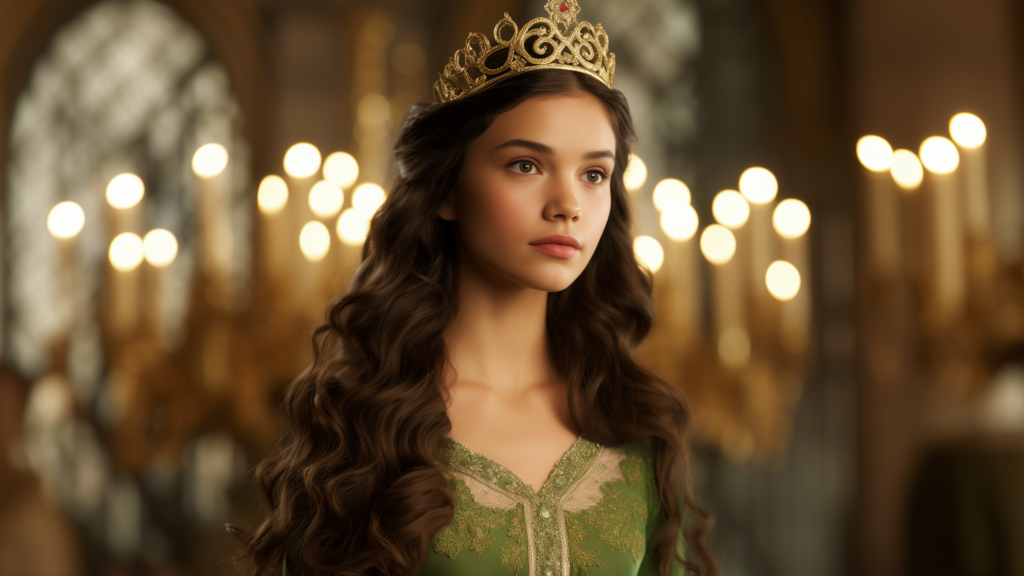
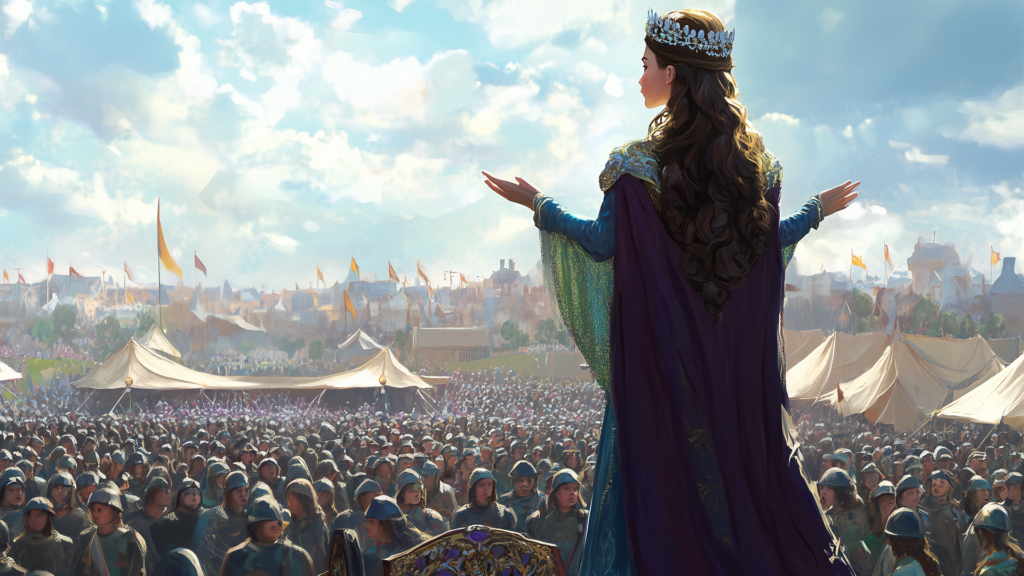
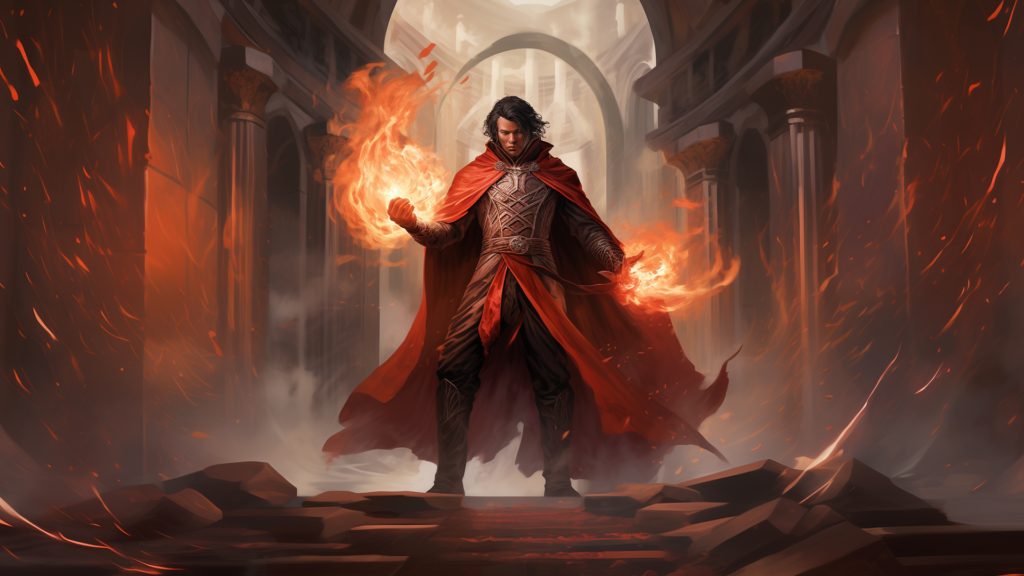
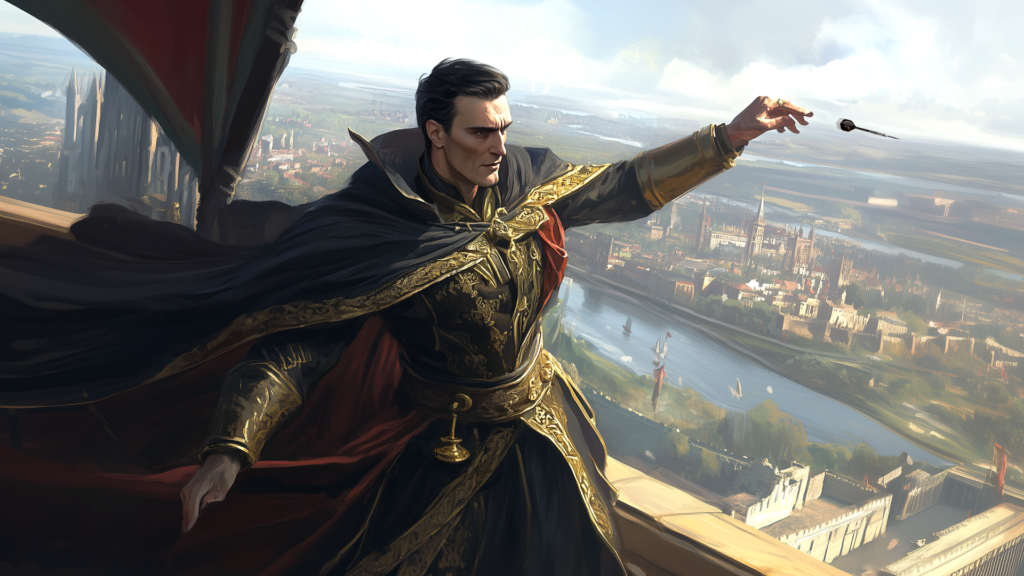
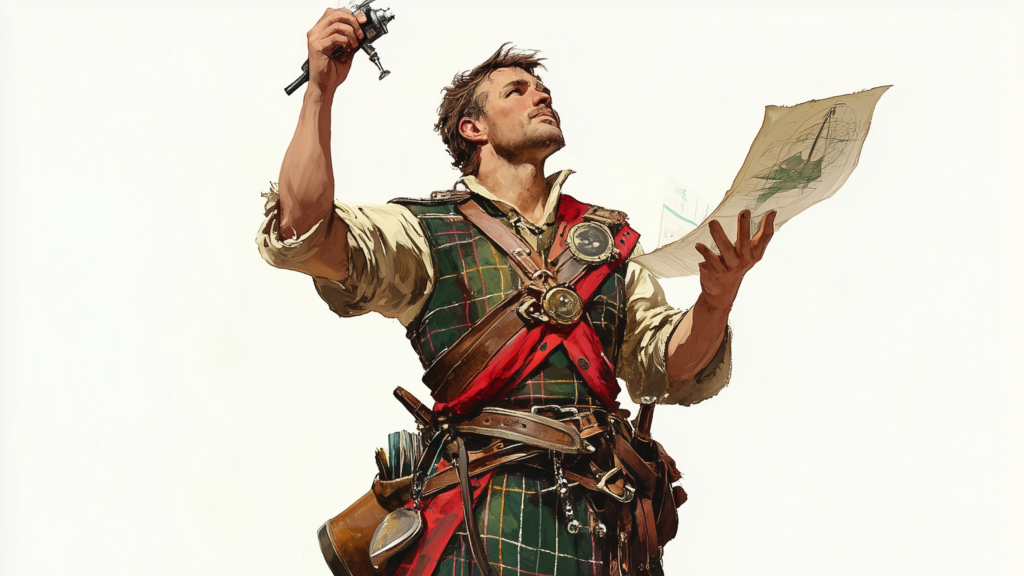
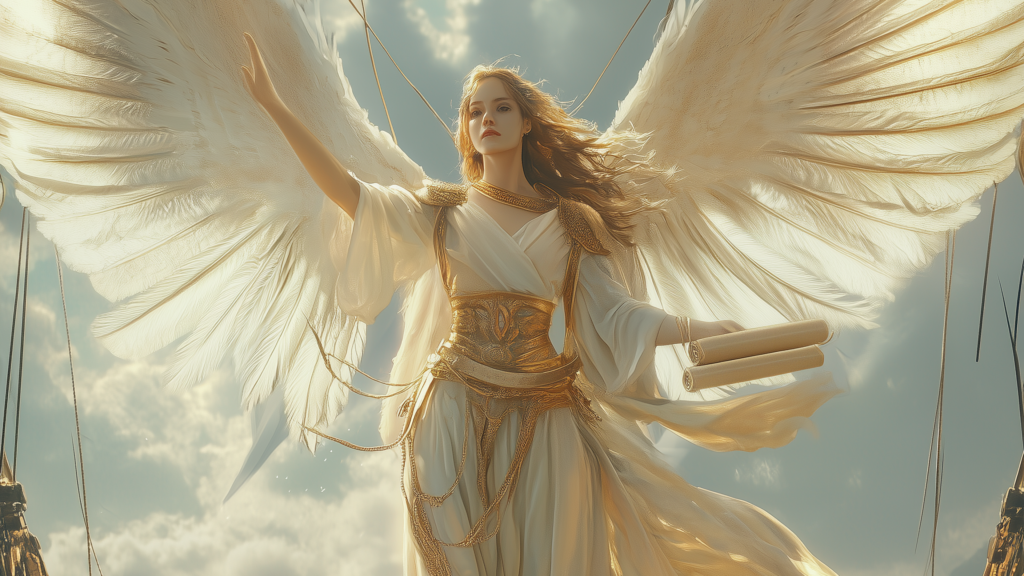
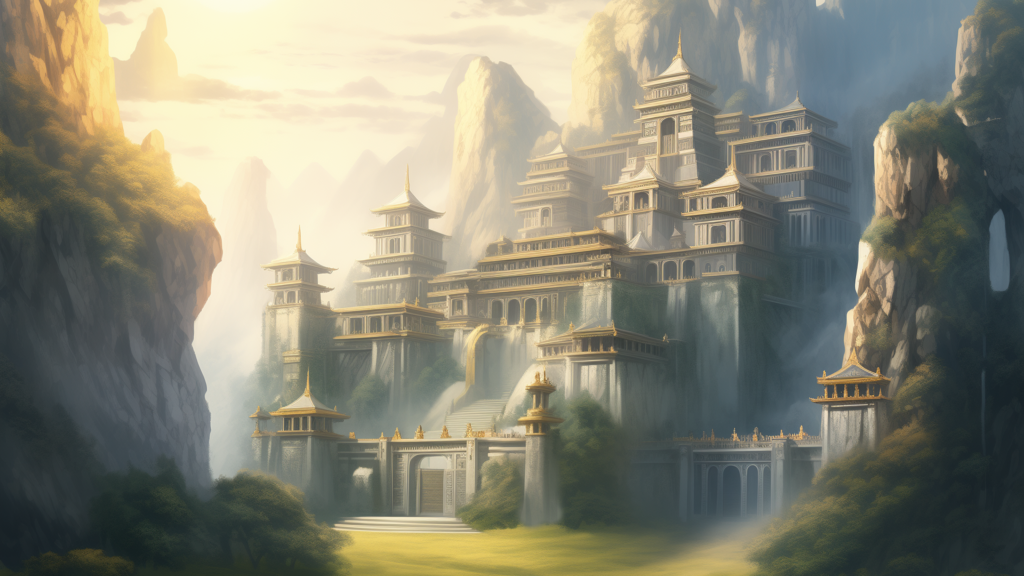
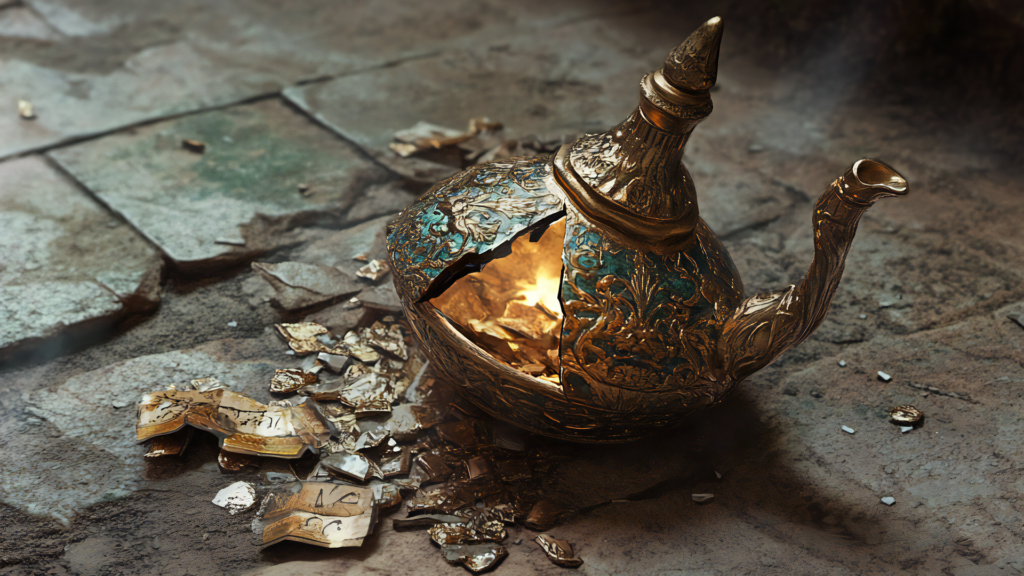
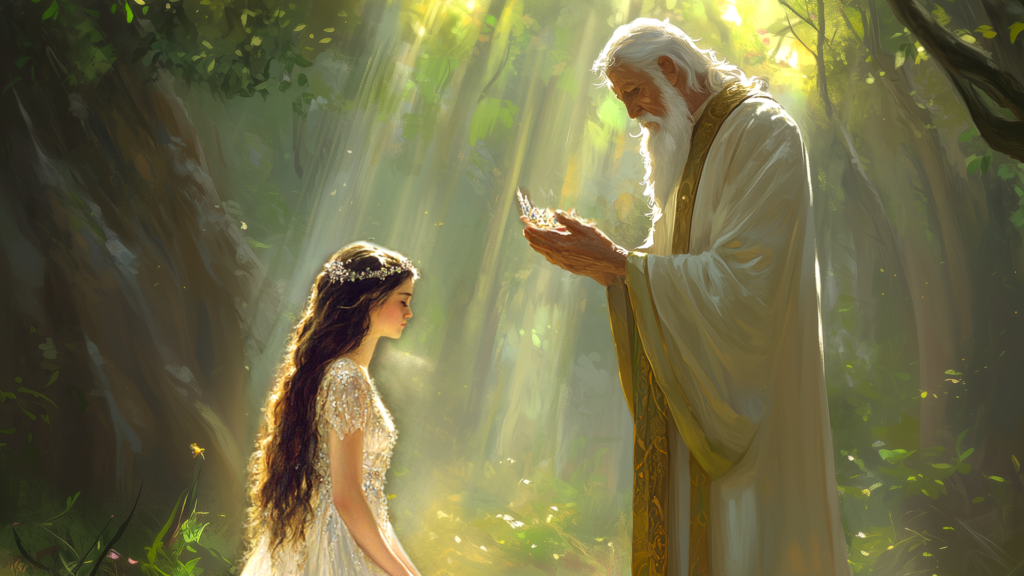
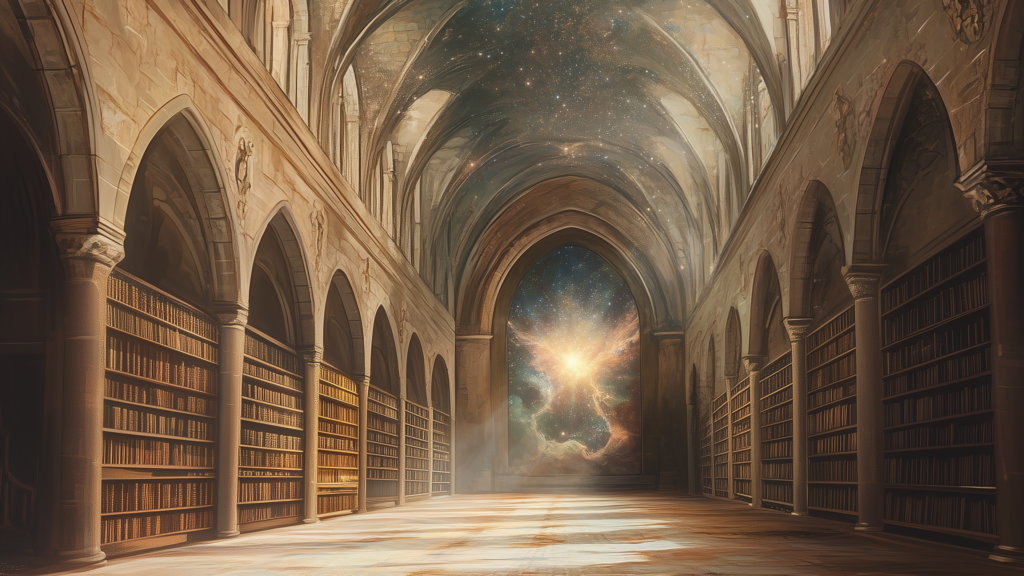
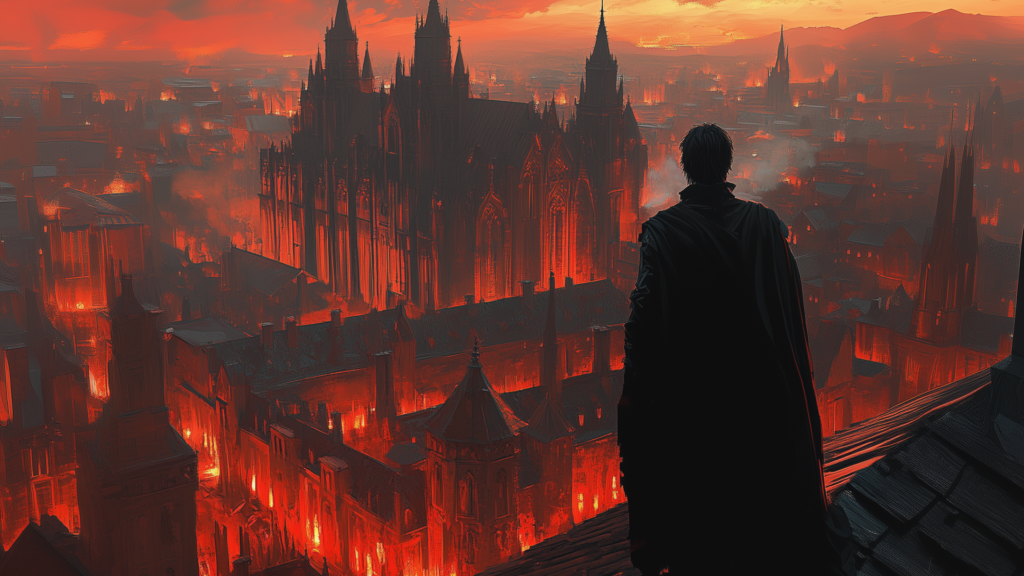
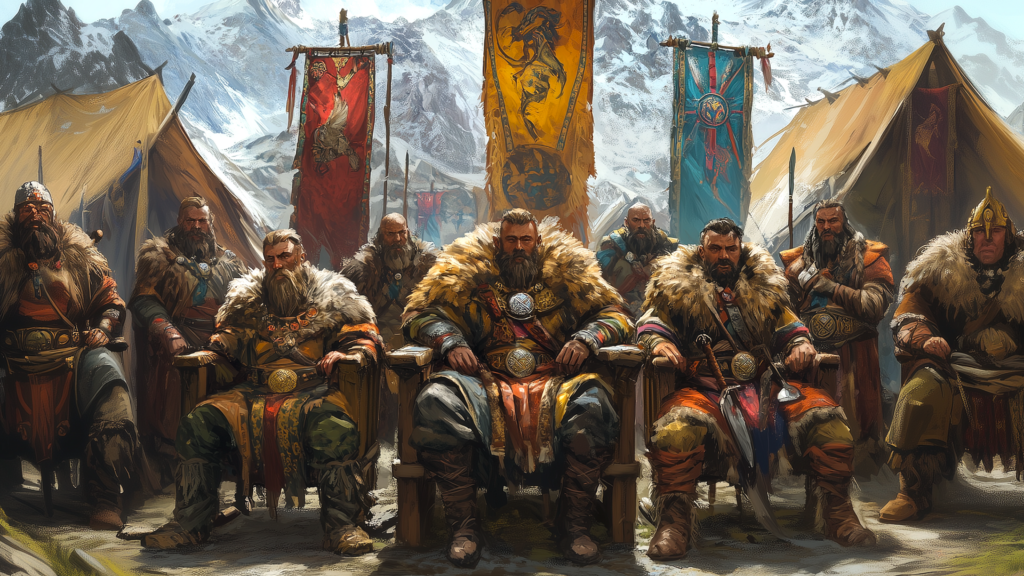
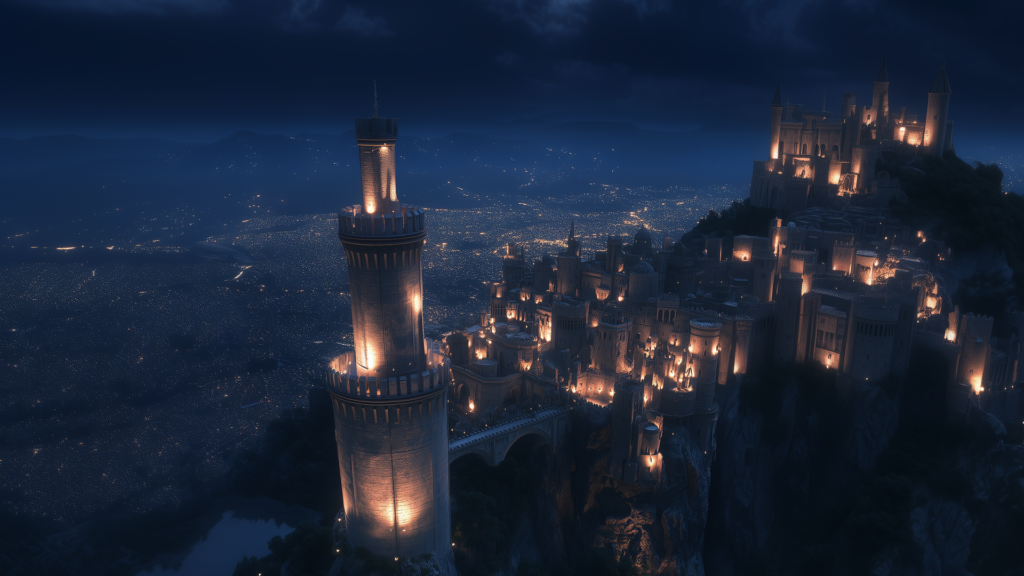
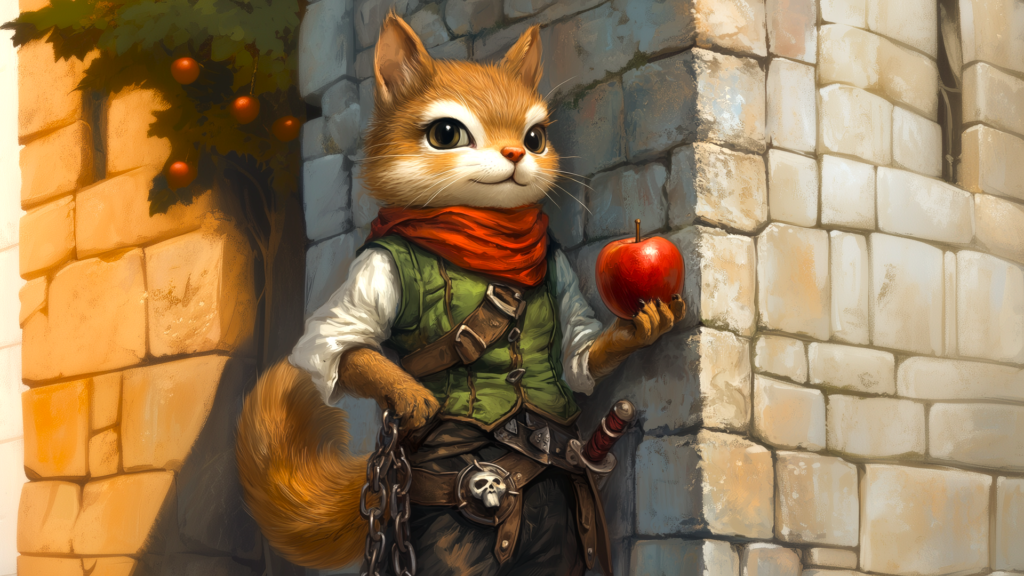
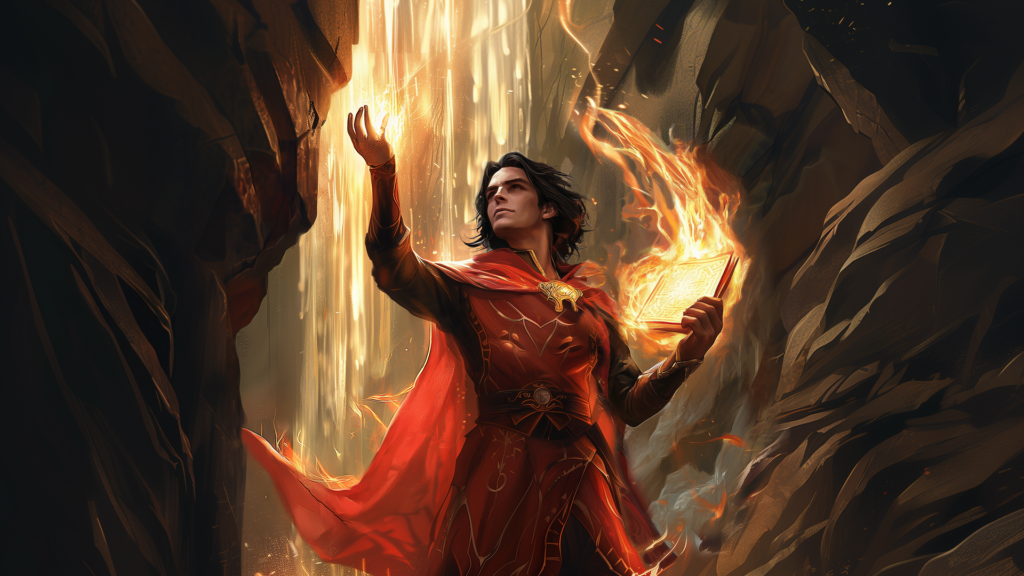
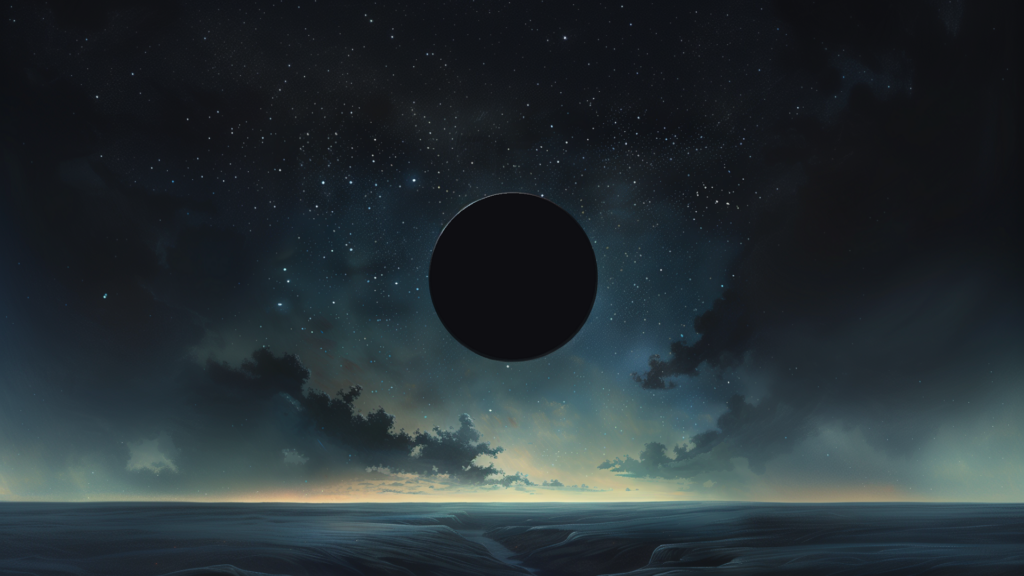
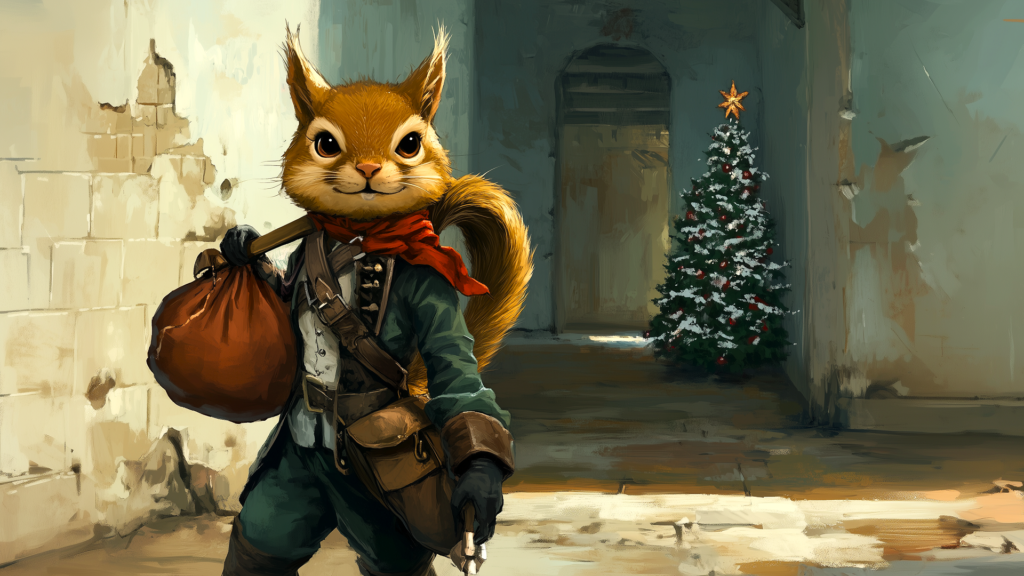
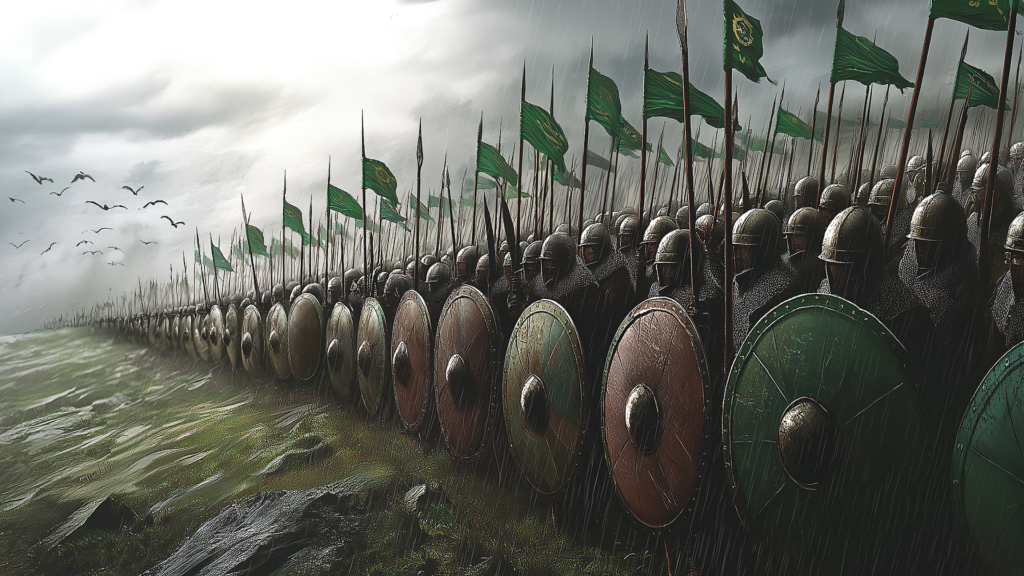
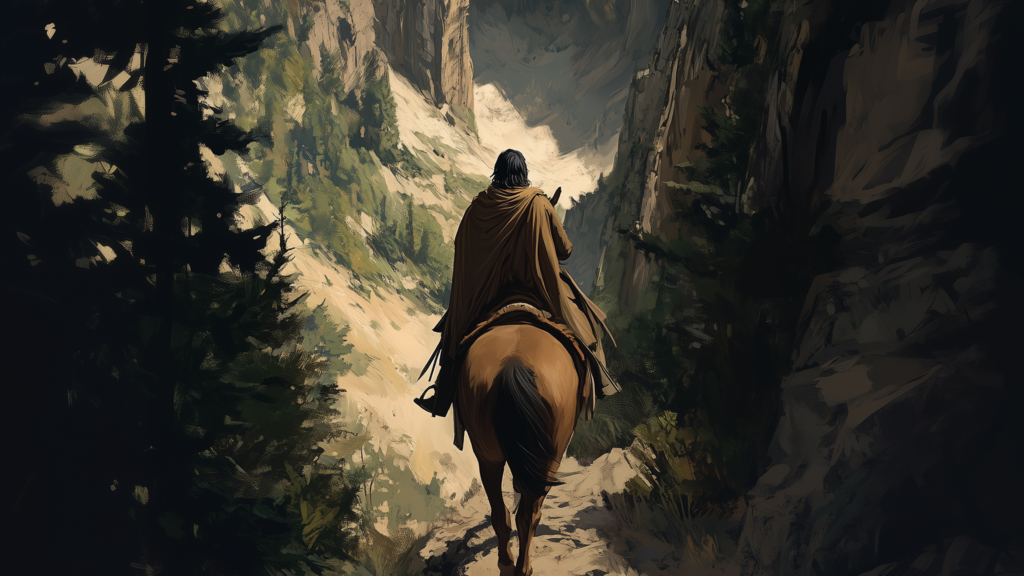
The zipped file contains high-res versions of the following images: